
Our June major release covers a lot of ground. The redesigned Worklio dashboard becomes the new default, payroll teams get more flexibility, onboarding handles real-world documents, and integration partners gain a richer API. Here is what stands out.
A New Default Experience
The redesigned Worklio dashboard is now the standard experience for everyone. It is cleaner, faster to scan, and built for the way teams actually work day to day. If you prefer the previous dashboard, you can switch back at any time from the dashboard message or from Preferences, and Worklio will remember your choice.
The new dashboard is now on by default — cleaner, faster, built for real work.
Multiple Payroll Policies in the Worklio UI
Running more than one payroll policy has always been possible in the Back Office. This release brings it directly into the Worklio UI. Company administrators can now:
Create and manage multiple payroll policies
Assign team members to each policy
View policy-specific schedules
Start a payroll run in the context of a chosen policy
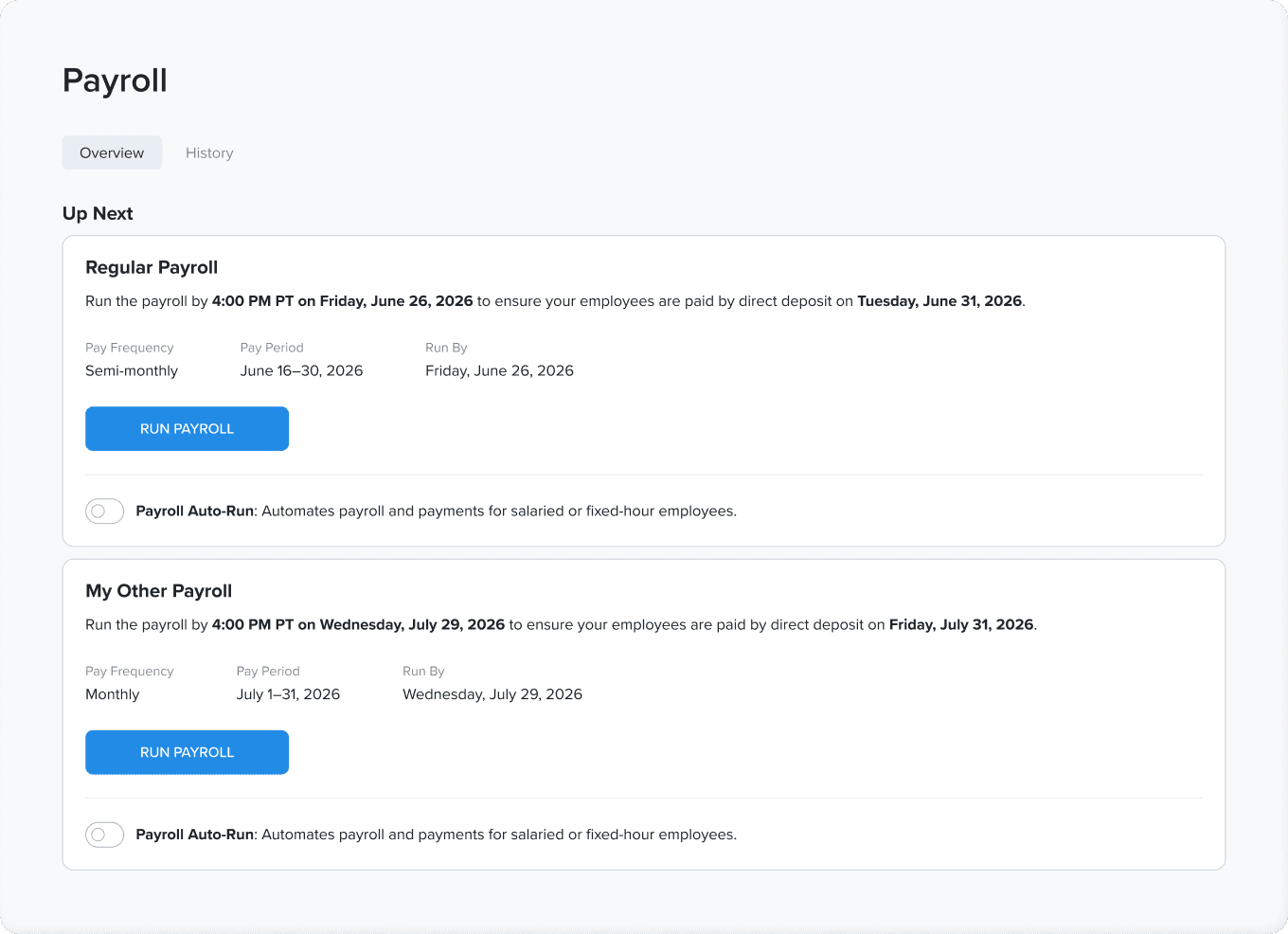
For businesses with different pay groups, contractors, or locations, it means less juggling and clearer payroll runs.
Onboarding That Fits Real Documents
Onboarding no longer expects everything to be a Word file. You can now add PDFs and image scans to onboarding templates, and PDFs can be electronically signed as part of the onboarding flow, just as Word documents always have been.
PDFs and image scans (JPG, PNG) supported in onboarding templates
Electronic signing for PDFs, with a digital signature certificate page attached
Both employee-only and employer-and-employee signing supported
Federal W-4 employer section can be left blank or prefilled with PEO or client details
Employees can correct a mistyped Social Security number without restarting onboarding
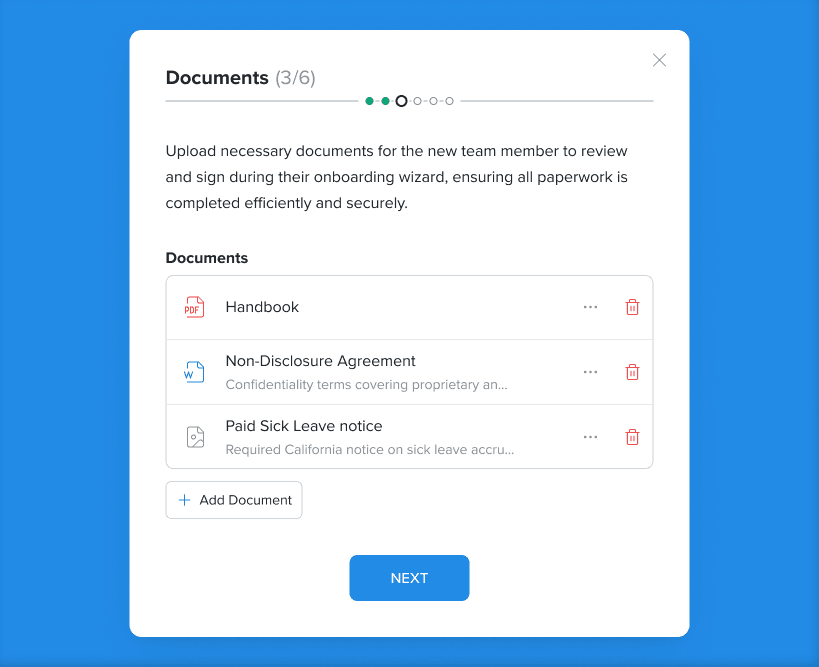
Onboarding now works with the documents you already have, not just Word files.
A Clearer View of Your Team
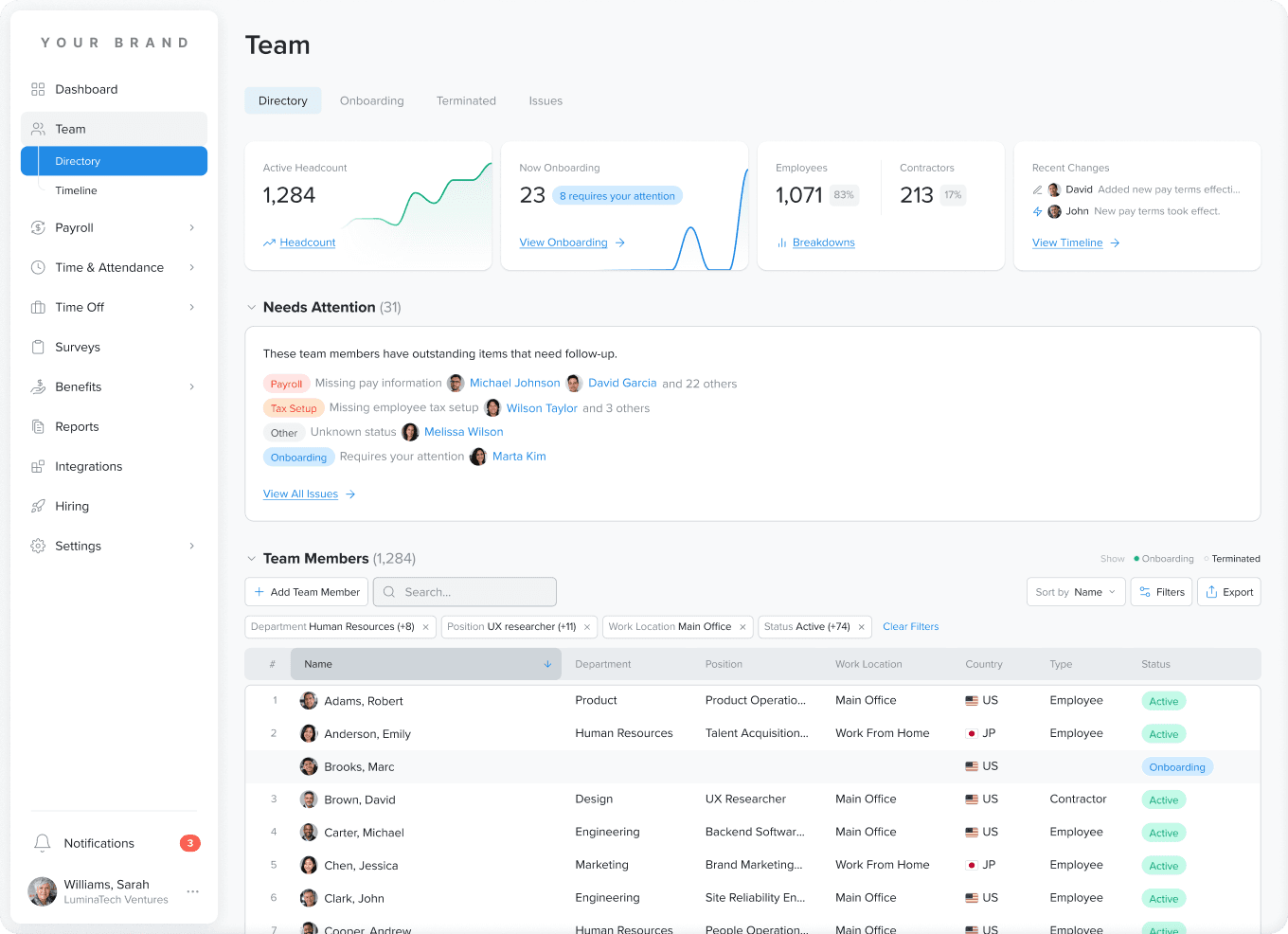
The Team page gains a composition overview that shows your workforce at a glance: employees versus contractors, broken down by country, location, and department, with filters built in. It is the kind of snapshot that used to require exporting a report, now available the moment you open the page. Departments are easier to run too, with full management in the Worklio UI, including on mobile.
Smarter Time and Payroll Tools
This release brings a range of focused improvements across time tracking, benefits, and payroll workflows:
Employees can add notes to time-card entries; managers can reply, with email notifications on both sides
Multiple job-costing segments on a single time entry, without workarounds
Overtime calculations can be queued for several employees at once
Benefits: plan-based coverage end dates on termination, with dependent coverage ending alongside
FSA goals prorate automatically for employees who enroll partway through the year
Spreadsheet-based bulk deduction updates for setup and correction payrolls
Unified SUTA editing dialog that replaces row-by-row edits
New Tools for Integration Partners
For partners who build on Worklio, the embedded API grows in several useful directions, all of them additive:
Read and drive every payroll policy on a company, not just the default
Assign multiple employees to a policy in one API call
New endpoint to update an employee's W-2 mailing address
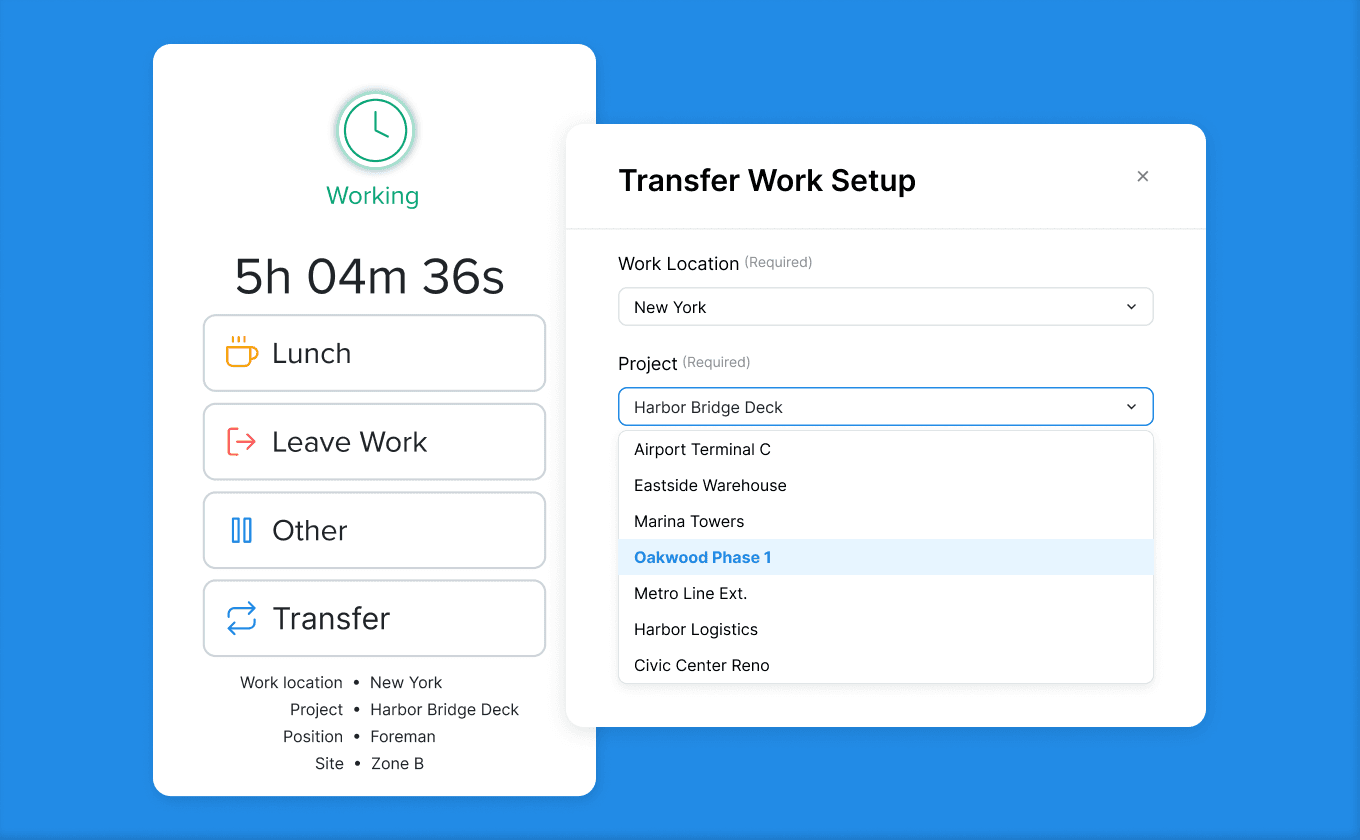
Time-and-attendance status: working, on break, or not working, plus whether an event type is paid
New workforce-analytics endpoints: headcount, activity, and onboarding-progress counts over time
The API now covers every payroll policy and surfaces workforce analytics, ready to power your own dashboards.
Polished Throughout
Alongside the headline features, this release smooths out the everyday details. The Org Chart editor handles large teams without losing employees off-screen, mobile payroll runs keep their full-screen layout, role switching keeps admin access in reach, onboarding documents with standard Word page numbers open reliably, and terminated employees see a cleaner, correctly scoped experience. Dozens of smaller fixes across payroll, time, benefits, and onboarding round out a release focused on making Worklio faster and more dependable.